
Your Mastercard Access Card is ready to activate
Activate it within 24 hours and start paying with your Credit line, online and in store.
New to Billease? Download the app first
Works with Credit line
Your card spends your Credit line
The Access Card has no balance of its own. Every purchase is paid from your Credit line, the same limit you use for QR Ph payments in the Billease app.
One limit, two ways to pay
Pay with your card or scan a Merchant QR Ph code in the app: both use your Available Credit. Your Billease loan limit stays untouched.
Up to 62 days interest-free
Pay your full Statement Balance by the due date and your card purchases cost 0% interest, just like your QR Ph payments.
Ready again as you repay
Every peso you repay goes straight back to your Available Credit, for your next card or QR Ph payment.
No Credit line yet? We are rolling it out to more customers. If you see a Credit line tab on the home screen of your Billease app, it is ready for you.
Card benefits
A new way to use your Credit line
Everything your Credit line gives you, now on a Mastercard. Same account, same app.
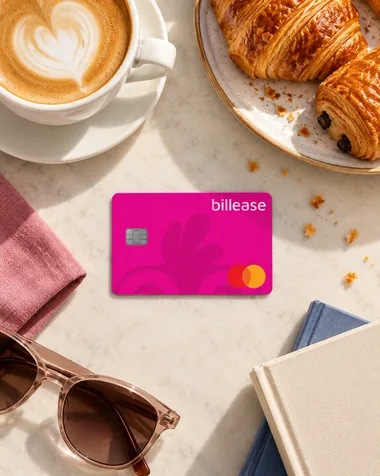
Up to 62 days interest-free
Pay your full Statement Balance by the due date and pay no interest.
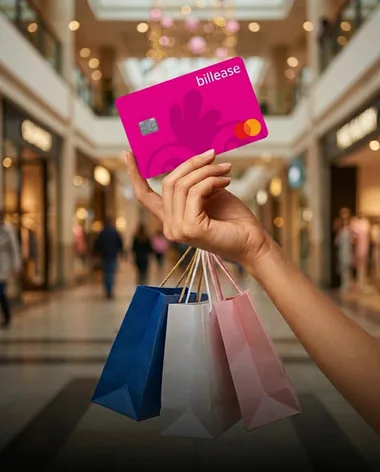
Credit line of up to ₱50,000
Spend from your Credit line now and pay later.
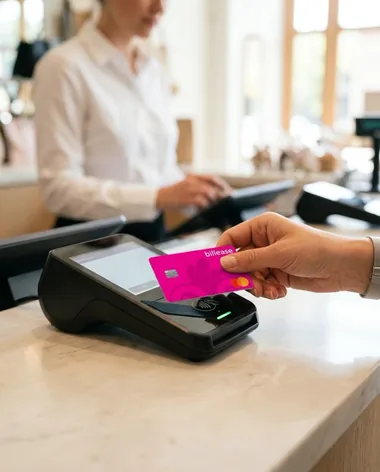
Shop anywhere
Online and in store, in the Philippines or abroad, wherever Mastercard is accepted.
Your card is waiting. Activate it within 24 hours.
Where to spend
Wherever you see the Mastercard logo
Use your Access Card online and in store, in the Philippines or abroad, from your morning coffee to your next trip.
- Coffee runs Groceries
- Dining out Online shopping
- Malls and retail Travel and bookings
- Gadgets Beauty and fashion
Not for cash withdrawals, ATM transactions or fund transfers.
Safe by default
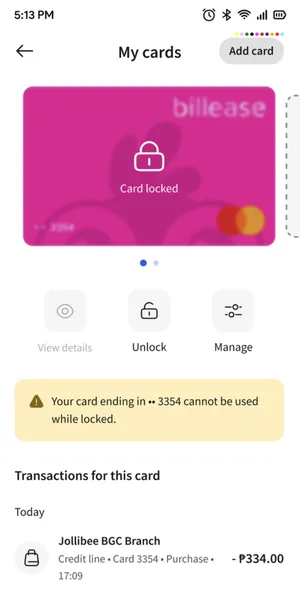
Your card, in your control
Get notified when your card is used, manage it in the Billease app and act quickly if something does not look right.
Your details stay private
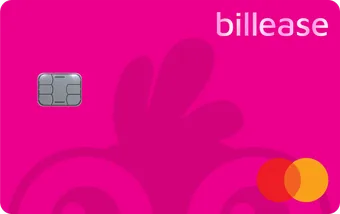
Your name and card number are not printed on the card, so they stay private if it is lost or stolen.
Track every transaction
See your card activity in the Billease app and review payments whenever you need to.
Lock your card
Lock your card for a while in the Billease app if it is lost or stolen, or you notice something unusual.
Get help quickly
Chat with Billease support in the app if you do not recognise a payment or need help with your card.
How it works
Activate your card in a few steps
Open your Billease app
Log in with your account. There is no new sign-up.
Tap Scan QR
You find it on the home screen of the app.
Scan the QR code on the back of your card
The code works once: scanning it links the card to your Billease account.
Set your 4-digit card PIN
That is the last step. Your card is ready to use.

FAQ
Questions, answered
Still stuck? , here or in the Billease app.
Got your card? Activate it in the app.
Open the Billease app, tap Scan QR and scan the code on the back of your card. How the interest-free period works is on the Credit line page.